Important reminder! How to protect domains from spam, blacklisting, and suspension?
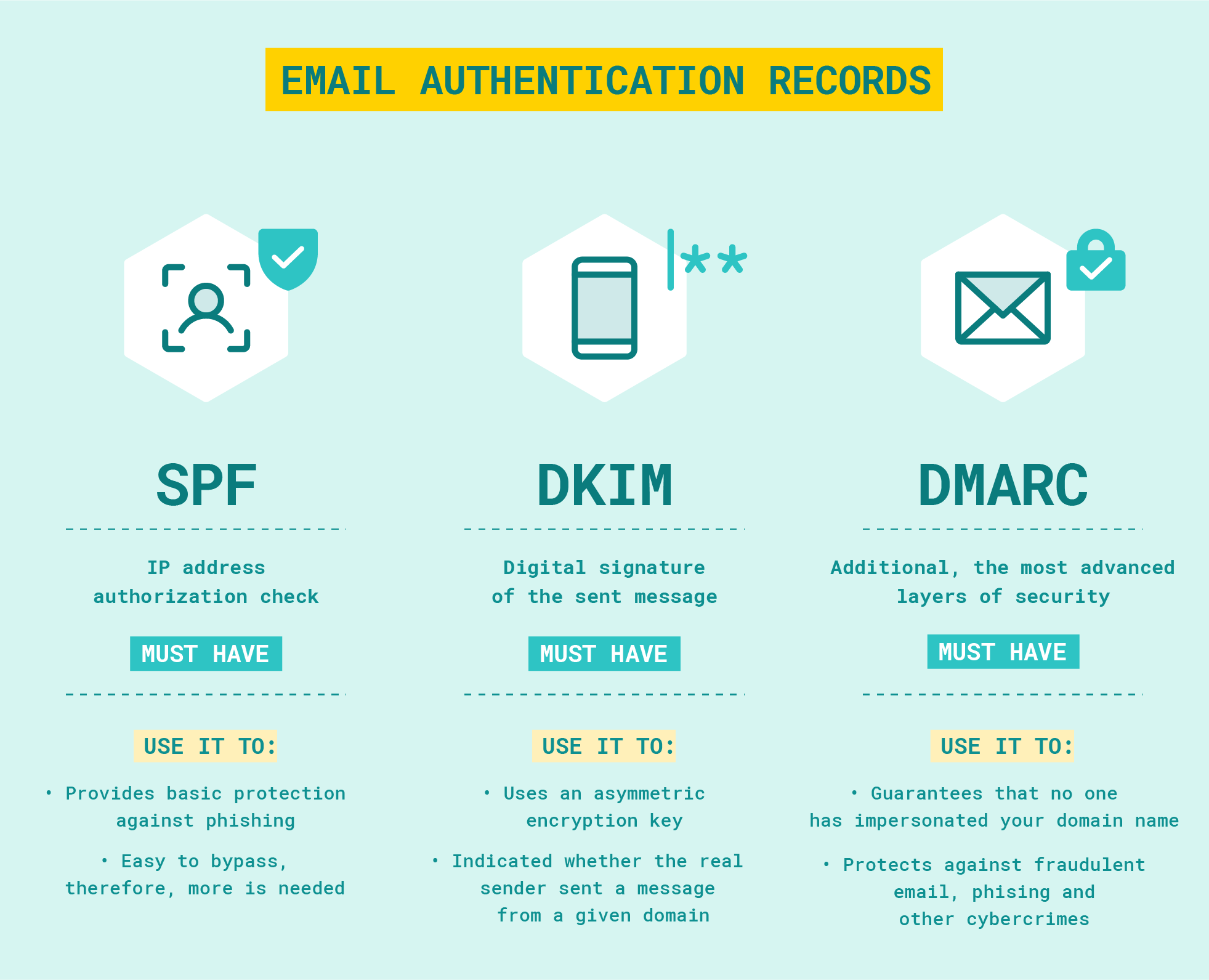
We remind you to add SPF / DKIM / DMARC records to your name servers to prevent from sending spam on behalf of your domain.
Without anti-spam policies, anyone can send emails on behalf of your domain.
Note: You can check your domain email authentication records at https://mxtoolbox.com/SuperTool.aspx
Note: You can check your domain spam-listings at:
- https://check.spamhaus.org
- https://mxtoolbox.com/blacklists.aspx
- https://virustotal.com/gui/home/url
Instruction for Protecting Non-Sending Domains from anti-spam RBLs (Spamhaus DBL, SURBL, etc.)
To prevent your domain from being blacklisted by RBLs (Spamhaus DBL, SURBL, etc.), you must ensure that no one can spoof your domain to send spam.
If your domain is used to send email, be sure to create valid SPF/DKIM/DMARC records with values that allow only you to send email to prevent third parties from sending spam on behalf of your domain.
If your domain is not used to send email, by configuring your DNS records to explicitly "deny" all email traffic, you protect the reputation of both your main domain and all of its subdomains.
Essential DNS Configuration
Mandatory records: SPF and DMARC. The goal is to tell receiving mail servers that any email appearing to come from your domain is fraudulent and should be rejected immediately:
- SPF (Sender Policy Framework): Declares that no IP addresses are authorized to send mail for your domain.
- DMARC (Domain-based Message Authentication, Reporting, and Conformance): The most critical instruction, telling servers to reject any mail that fails SPF/DKIM checks for the main domain and all subdomains.
In addition, it is recommended to specify the entry (or check for the absence of entries of this type):
- DKIM (DomainKeys Identified Mail): A "placeholder" record that informs servers no valid DKIM keys exist for this domain or its subdomains.
If the domain is not used for receiving mail, it is also recommended to add Null MX record too:
- Null MX: Explicitly signals that the domain does not receive any email; it's recommended to explicitly specify that the domain cannot accept email - this will prevent spammers from using your email for return addresses (bounce messages).
| Type | Host / Subdomain | Value (Text) | Description |
|---|---|---|---|
| TXT | @ | v=spf1 -all |
SPF: Hard fail. Prohibits any server from sending mail.* |
| TXT | * | v=spf1 -all |
Wildcard SPF: Prohibits mail sending from any and all subdomains.** |
| TXT | *._domainkey | v=DKIM1; p= |
Wildcard DKIM: Explicitly invalidates DKIM keys for all selectors and subdomains.*** |
| TXT | _dmarc | v=DMARC1; p=reject; sp=reject; adkim=s; aspf=s; rua=mailto:[email protected] |
DMARC: Rejects unauthorized mail and sends aggregate reports for monitoring. |
| MX | @ | 0 . |
Null MX: Signals that the domain does not accept email (RFC 7505).**** |
*If you are using a Web DNS record editor rather than editing the zone file directly, many popular DNS providers do not require the @ symbol, they will insert it into the zone automatically, in this case, just leave the Host / Subdomain field blank.
**Many DNS providers prohibit wildcard TXT / SPF records. In this case, just create separate records for each subdomain (if any) and make sure that the DMARC record has the sp=reject (subdomain policy) tag, which automatically applies the blocking policy to all subdomains, even if a separate SPF record has not been created for them.
***Most DNS providers prohibit specifying partial wildcards in conjunction with special names like _domainkey, as RFC standards require DKIM to be specific: the selector must be clearly defined (e.g., mail._domainkey) so that the receiving server can find the specific public key. If your DNS provider returns an error when specifying such records, simply check that there are no DKIM records for the domain / subdomains and ignore this option.
****This record is optional and no MX record can be used instead. In DNS records editors for this record, 0 is specified in the Priority field, and in the record value (Server Address): . (just a dot)
Why this prevents blacklisting:
- Eliminates Spoofing: Spamhaus DBL and SURBL lists domains found in spam messages. With these records, spoofed emails are rejected by major providers (Gmail, Outlook) before they can impact your domain's reputation.
- Proactive Security: By setting a strict p=reject policy, you demonstrate to security filters that the domain is professionally managed and not an open target for hijackers.
- Subdomain Coverage: Using the sp=reject tag and the *._domainkey wildcard ensures that spammers cannot bypass your protection by using "random" subdomains.
Note: If your domain is linked to a proxy or VPN server, also be sure to block outgoing SMTP connections (especially to port 25, which is commonly used by spammers, but 465, 587 and 2525 recommended too) on server.
Server-Side Firewall Configuration (UFW):
sudo ufw deny out 25,465,587,2525/tcp# Enable the firewall:
sudo ufw enableNote: To reduce the risk of domain suspension we recommend activating the Domain Protect + service with the blacklist monitoring option.